Emurasoft EmEditor Professional 26.2.4 (x64)


Emurasoft EmEditor Professional 26.2.4 (x64) Portable

Year/Date of Issue: 07.2026
Version: 26.2.4
Developer: Emurasoft, Inc.
Developer's website: Emurasoft, Inc.
Discharge: 64bit
Interface language: Multilingual (Russian present)
Tablet: cured
Advertising: is missing
System requirements:1. Windows 8.1/10/11
Description : EmEditor Professional is a professional version of a powerful text editor for programmers, web developers and ordinary users with syntax highlighting and unicode support.
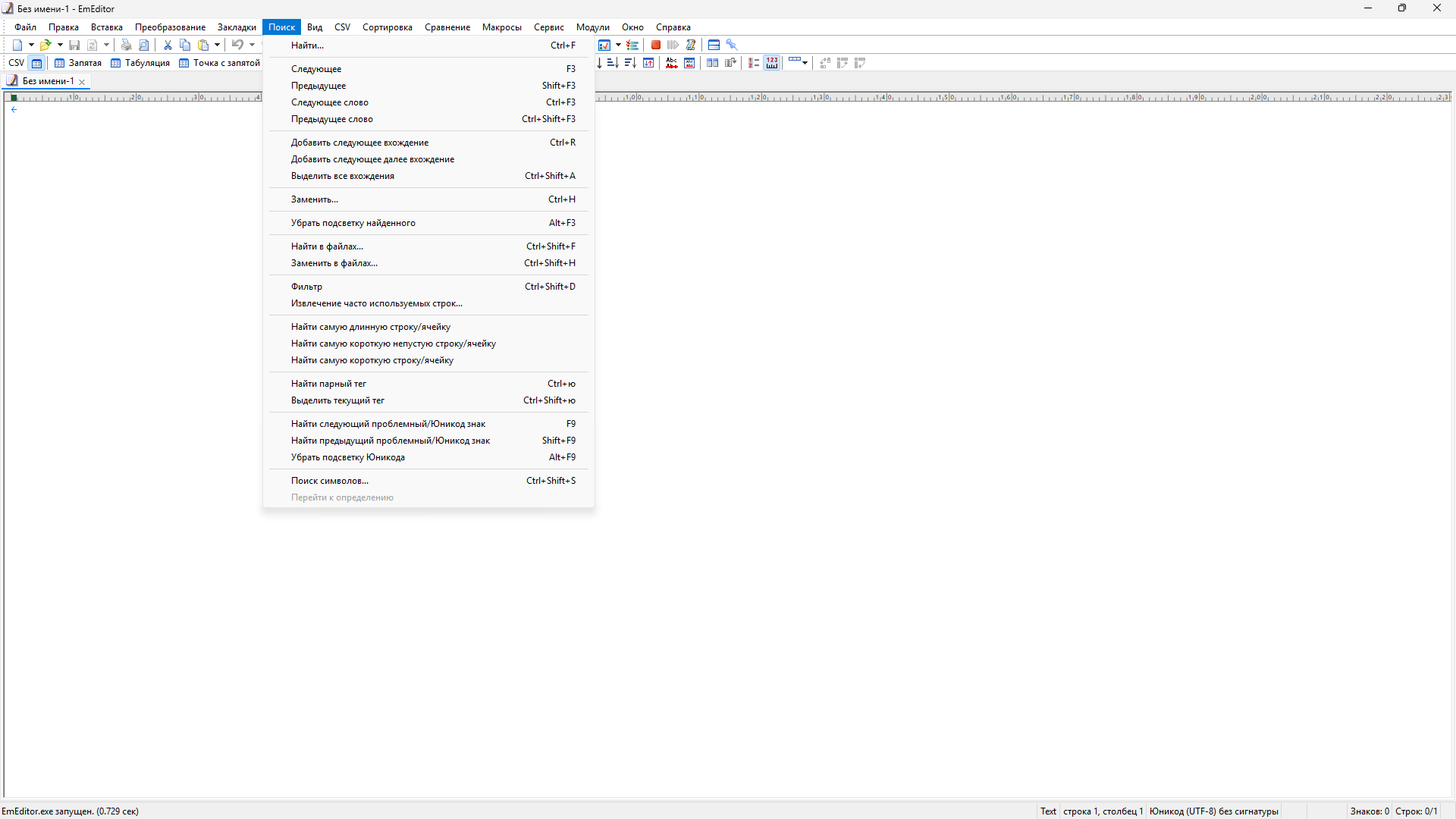
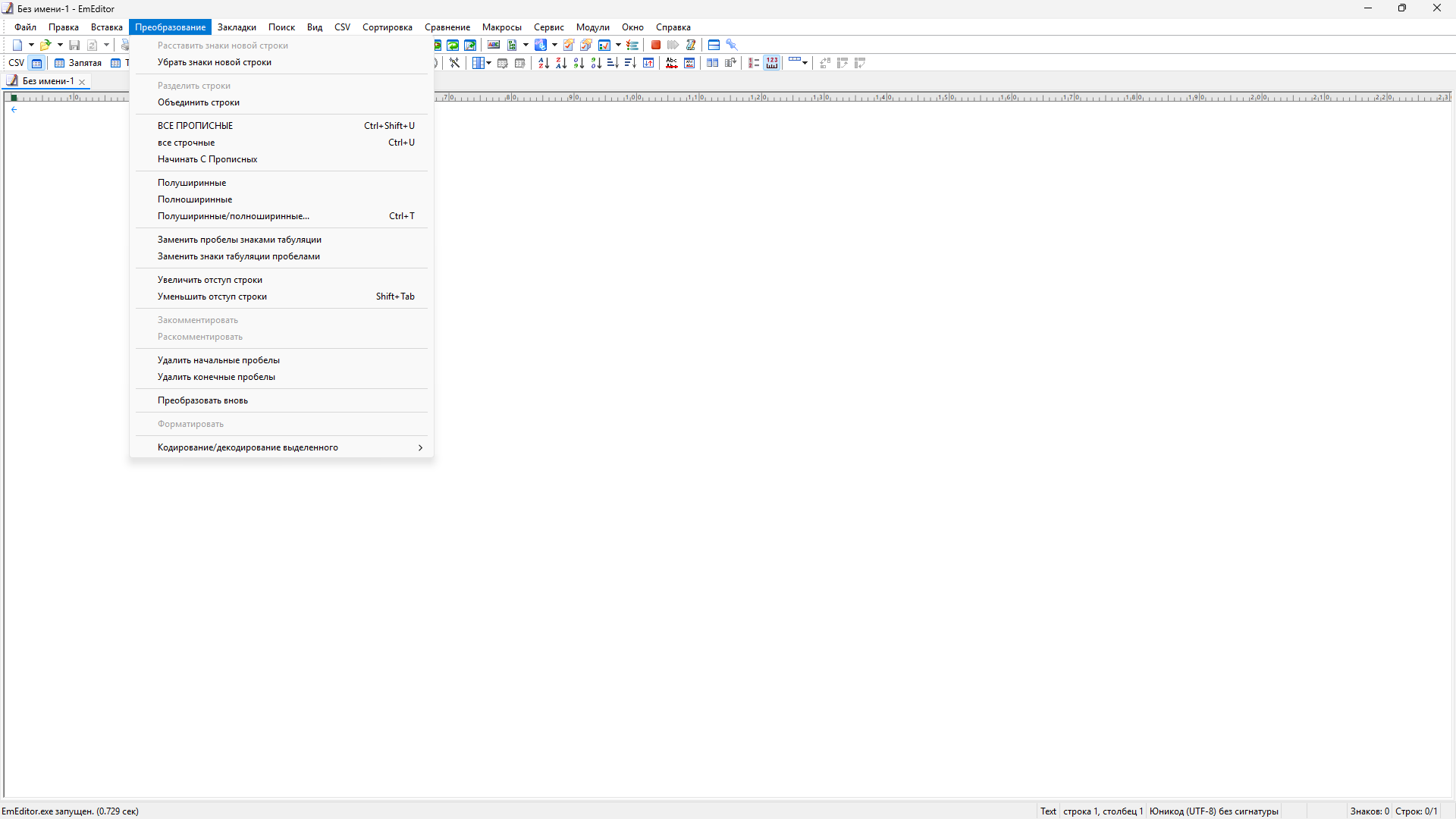
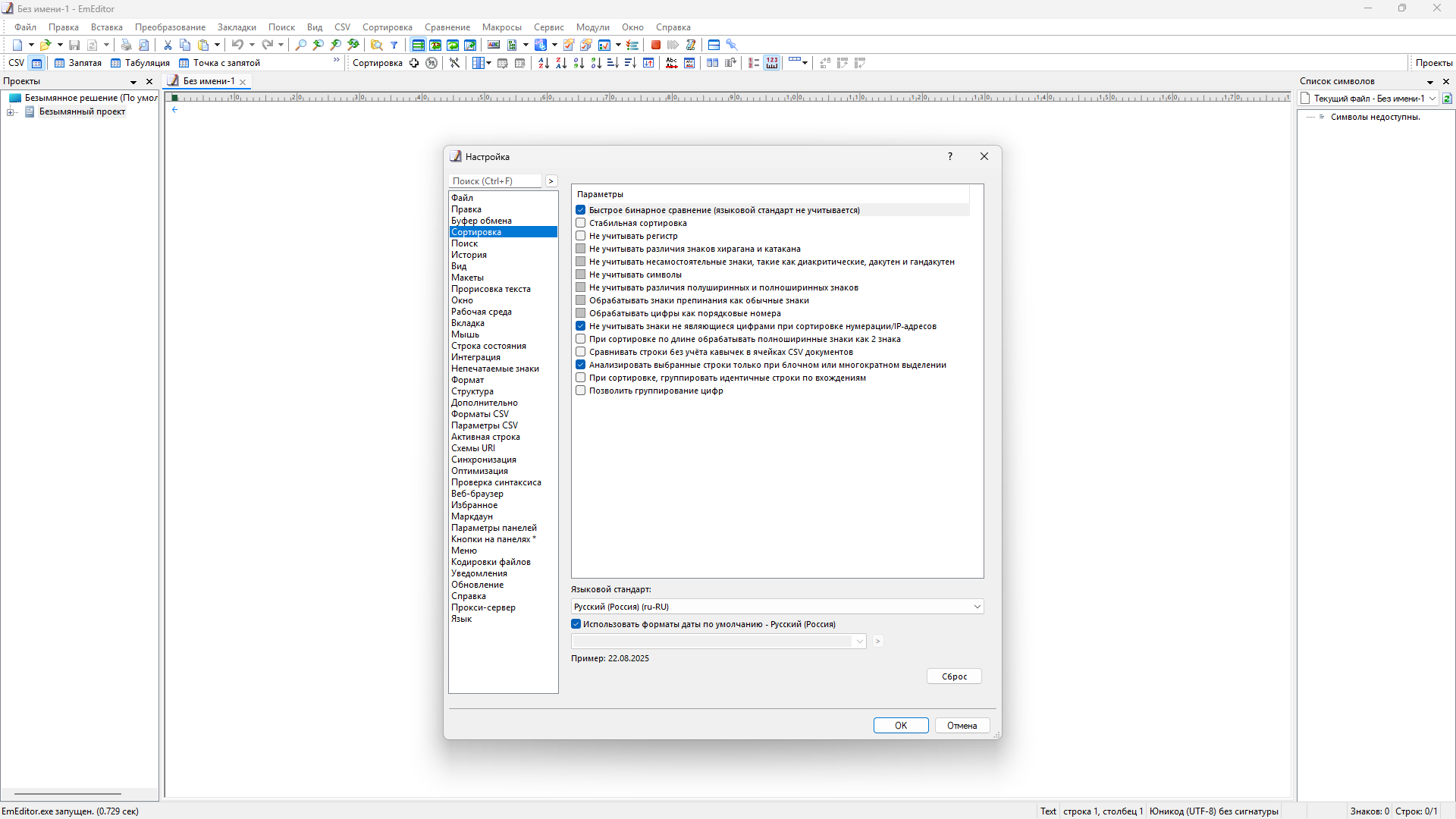
The editor has functions such as searching and replacing files using regular expressions, auto-detecting encodings, highlighting links and email addresses, block selection mode, setting up the button bar, menu, font and color of elements.
You can create a separate configuration for each language.
The program also supports powerful macros written in javascript or VBScript, allowing you to create almost any action used frequently or periodically.
This editor is an ideal tool for editing HTML, PHP, JSP and XML files.
By specifying an Internet browser as an external application, you will be able to view HTML files while editing. Supports syntax highlighting of ASP, C#, C++, CSS, HTML, Java, javascript, JSP, Pascal (Delphi), Perl, Python, PHP, SQL, VBScript and other programming languages, Drag & Drop function, opening files up to 248 GB in size, the ability to connect additional external applications and plugins. In addition, the program allows you to work with macros written in javascript or VBScript and based on the Windows Scripting Host (WSH) engine, which allows you to automate almost any action. Customizable HTML and scripting language highlighting makes it easy to detect.
Features:
- Supports files up to 248 GB
- Editing binaries
- Optimized search and movement
- Improved design plugins
- Ability to display panel functions
- Optimized speed when each line is longer
- Automatic panning by clicking the mouse wheel
- Supports drag and drop
- Specify a temporary folder in the program settings
- Importing INI files into the registry
- Unicode
- Syntax highlighting for ASP, C, CSS, HTML, javascript, JSP, Pascal, Perl, Python, PHP, SQL, VBScript, etc.
- Friendly interface with custom toolbar
Feature list:
- Markers
- HTML/XML character references
- Search Toolbar
- Batch replace
- Comparison and synchronous scrolling
- New spell checking features
- Improved editing of vertical selection
- Row numbering
- New functions of the Structure plug-in
- ASCII view side by side with binary (hex) representation
- New Fragments plug-in
- Auto-completion of brackets/quotes
- Narrowing
- CSV/TSV separators
- Full screen mode
- Clipboard history
- Support for substitution characters
- Work Environment with Cancellation Information
- New external funds
- Attachment to the list
- Saving to a protected folder
- Support for Windows 7 transition list
- Manage large files
- Editing vertical (block) selection
- Editing binaries
- Optimized search and replacement
- Improved Projects Plug-in
- Optimized opening of large files
- Search and HTML toolbars, Projects plug-in
- Completion of words
- Record and play keyboard and mouse actions
- New elements, properties and modes for macros
- Macros Toolbar
- Portability (for working with USB drive)
- Plug-in modules "Conductor", "Difference", "Structure", "Web Preview, Search
- External facilities, display a standard output panel in EmEditor
- Quick start
- ActiveScript support
- Low CPU load, single process mode, multithreading, low memory consumption
- Window tabs
- Dialog of detection results of all encodings
- Advanced support for unicode characters
- Application Error Handler Support
- Powerful and functionally rich macros
- Search in files
- Replacement in files
- Keywords and word highlighting
- Unicode support
- Plug-in modules
- Drag and drop text
- High quality
- For web designers
- and much more!
List of EmEditor Professional features
- Support for large files
- Unicode support
- Macros
- Editing vertical selection
- Nested windows, drag and drop
- Lightweight design
- Regular expressions
- Editing binaries
- Failure recovery
- Capturing text
- Portable version(from the developer) from the elchupacabra repack
- Multilingual interface (including Russian /updated and added by LRepacks/)
- Doesn't require registration (key)
- Added additional ru_RU, uk_UA, en_us_ru_ru dictionaries
- Doesn't require installation
Liens de téléchargement
| Inscrit: | 31, July, 2026 |
| Taille: | 129 MB |
| Pairs: | Sources: 0|Clients: 0 |
| Remercié: |
Galerie de captures